This is a Guide. Relighting sounds like science fiction, but it answers a question every photographer has asked: what if the light had been different? AI relighting changes the light in a finished photo, and the good versions do it by rebuilding the light, not by tinting the pixels.
The simple definition
AI relighting changes a photo's lighting after capture: its direction (where the light comes from), its quality (hard or soft), its color (warm or cool), and its mood, along with the shadows and highlights that result. The subject and scene stay the same; the light changes.
Why it is harder than it sounds
Light is not a layer on top of a photo. It is three-dimensional. It comes from somewhere, wraps around forms, casts shadows that fall a particular way, and bounces color off nearby surfaces. That is why a brightness slider can never relight an image: it scales every pixel uniformly and leaves the shadows exactly where they were. Real relighting has to understand the shape of the scene and rebuild the light over it, so the shadows move and the highlights land where the new light would actually put them.
Filter vs relighting
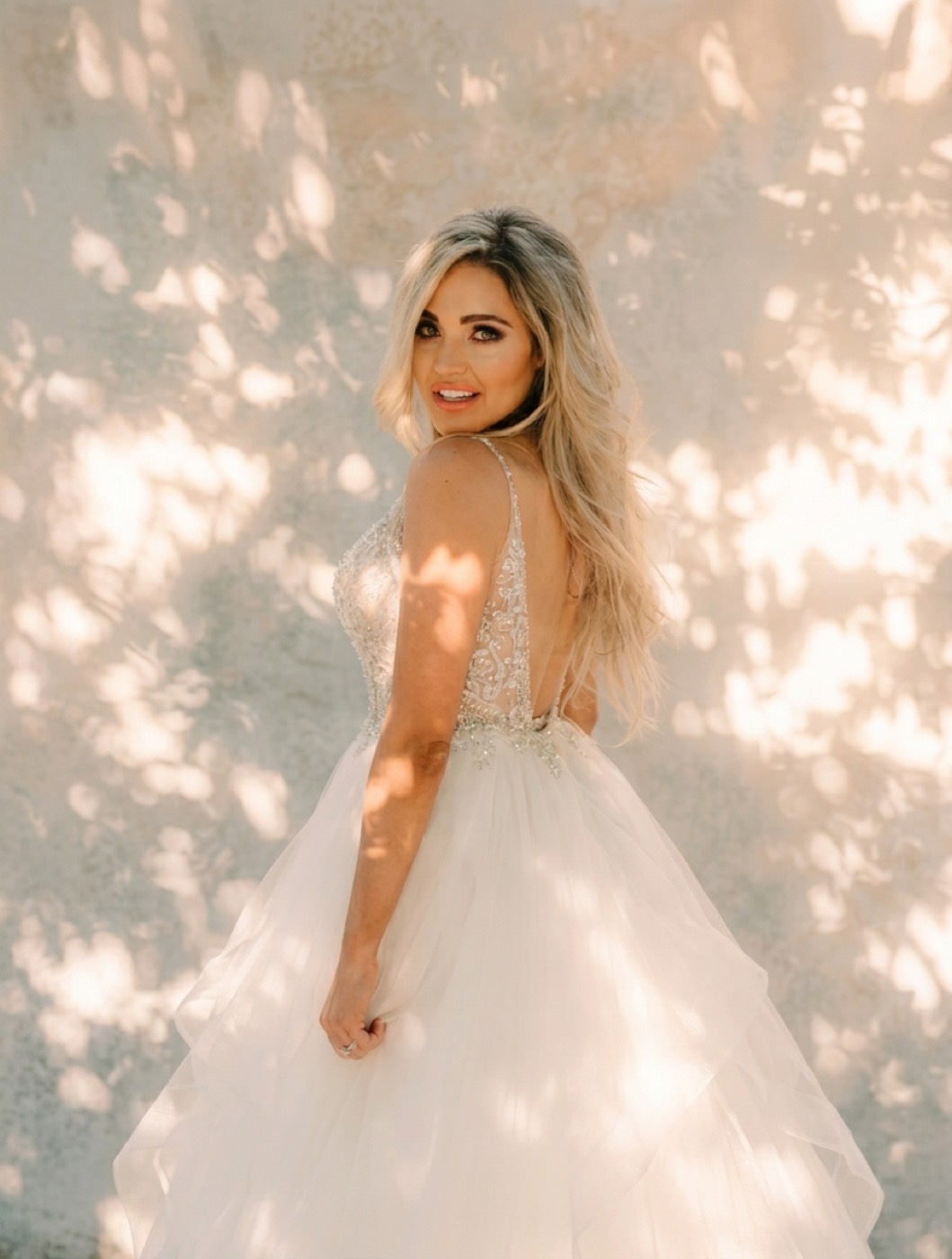
A warm filter makes a flat photo flat-and-orange. Relighting makes it look like it was lit by a warm window: one side of the face catches the glow, the other falls into soft shadow, and the whole frame gains dimension. The difference is direction. A filter has none; relighting is all about it. (The same logic separates a real film look from a tint, see tungsten vs daylight film for how light color behaves.)
Reference-based relighting
The most controllable way to relight is by reference. Instead of describing light in words, you point the engine at an image whose light you want, a golden-hour portrait, a moody studio key, and it reads how that light falls and reconstructs it on your photo. You are matching light the same way you would match a film look: from a real example, not a guess.
What it is good for
- Rescuing flat light. Turn a dull, evenly-lit frame into something with mood and shape.
- Changing the time of day. Midday into golden hour without reshooting.
- Matching a series. Make an inconsistent set look like it was lit the same way.
The subject stays locked
Relighting should only touch the light. In Department of Vibe, the face, pose, and composition are preserved exactly; only the lighting changes. See it in action on the relighting page, or drop a photo into Look Match and match the light you want.