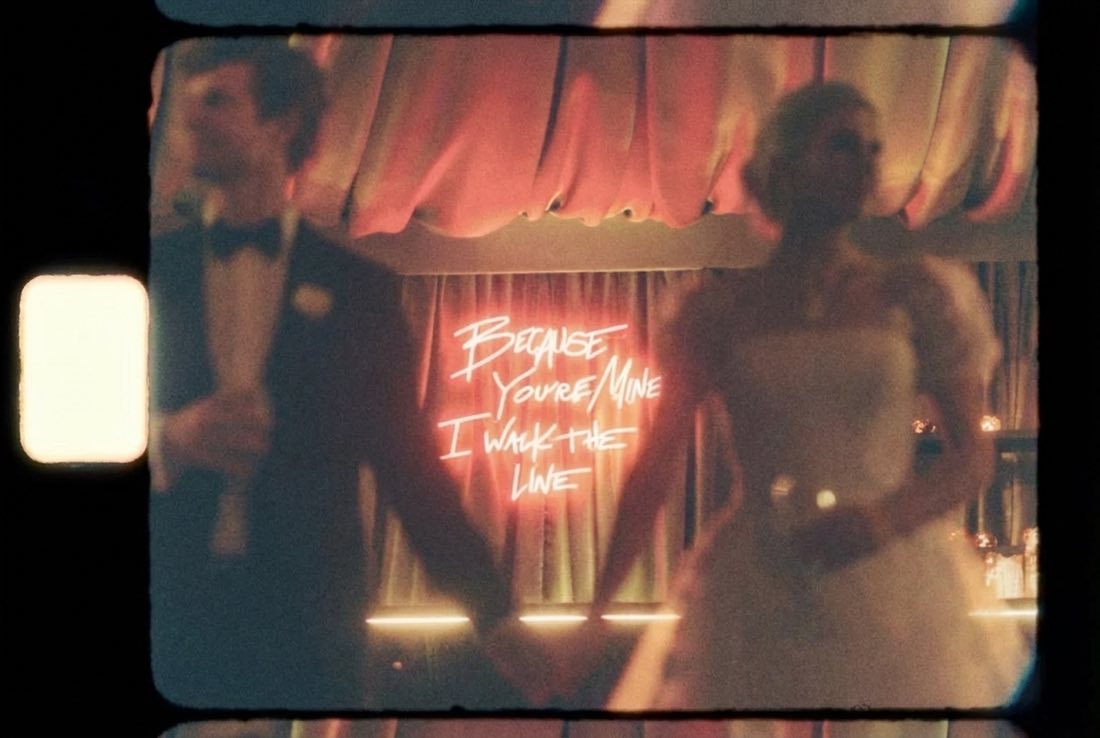
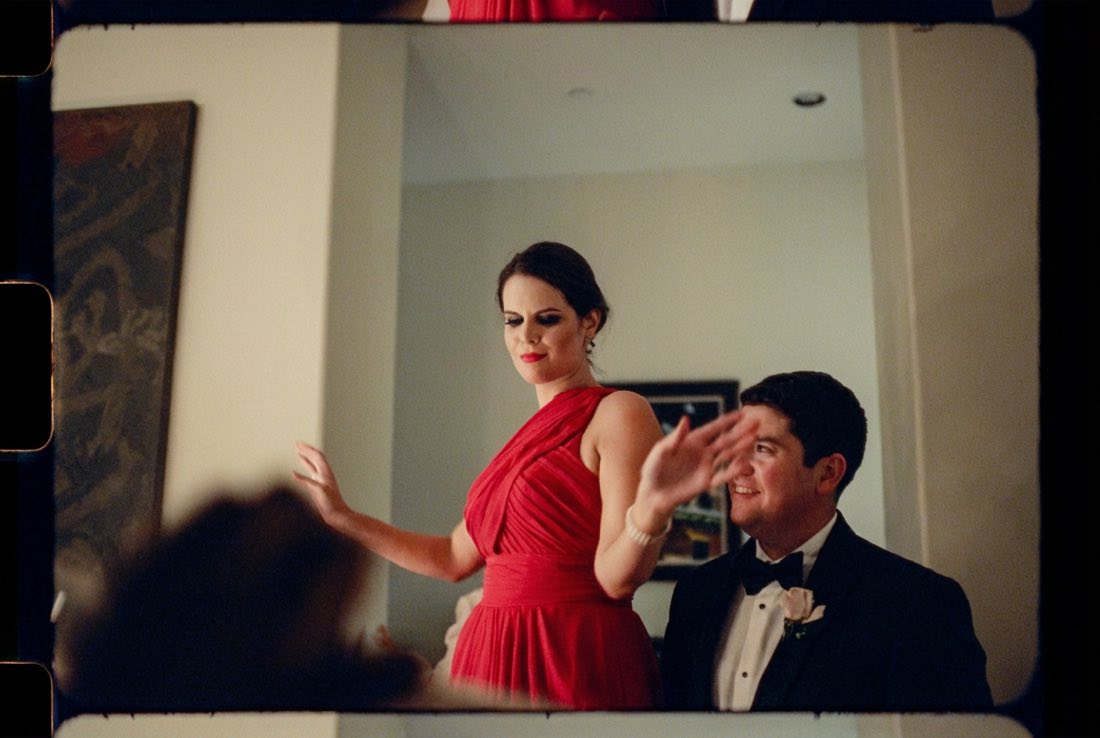
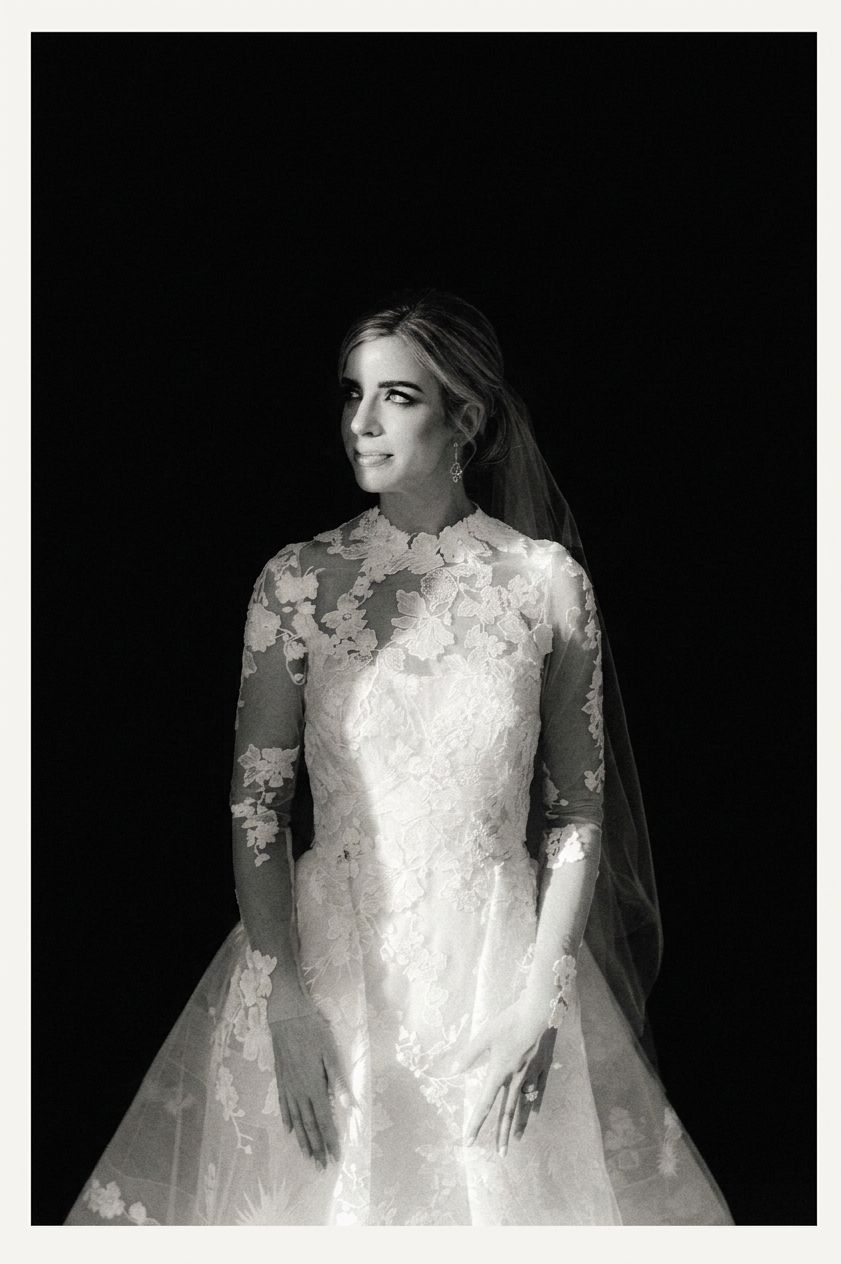
A photo after Look Match transferred a film look, subject unchangedThe same photo before Look Match, unedited
    Before
    After
    Drag to compareSubject stays. Light, palette, grain, frame all shift.
    Visual Taste Engine

    Match the Vibe.
    Keep the Identity.

    Drop a photo and anything with a look: a movie still, a magazine page, a painting, a film stock. The engine turns the reference into a reusable recipe, keeps the subject intact, and develops the set with one consistent visual language.

    Match a vibe
    or drop a filepaste image · URL · folder
    Identity lock · Active
    Trusted by creators at
    A24PENTAGRAMMUBIHYPEBEASTARC'TERYXObsidianPLAYGROUNDCinematicWIEDEN+KENNEDYMoMAAesopA24PENTAGRAMMUBIHYPEBEASTARC'TERYXObsidianPLAYGROUNDCinematicWIEDEN+KENNEDYMoMAAesop
    Inside the match

    Drop the reference. Keep the subject.

    Drop in your photo and a reference. The engine reads what makes the reference feel the way it does: the look, the light, the background, the grain, the mood. Then it turns that into a recipe for your image, while your subject stays exactly yours.

    Dept of Vibe: Look Match SystemModule 02
    Reference match · Private beta

    The Look Match app for color-obsessed creators.

    Look transfer for photographers and filmmakers

    Use any frame as a reference. Look Match reads the color, light, contrast, grain, and mood, then turns that look into a recipe for your photos. Keep the subject and composition intact, batch the recipe across a full set, then finish it in the Light Table.

    20 free matchesNo credit card required
    Reference matching · Reusable looks · Light-table finishing
    Look MatchColor 100 · Tone 100
    Matched output, reference color applied, subject preserved
    Matched output
    Matched color, instantly.
    References
    Reference 1
    Reference 2
    Reference 3
    Reference 4
    Color74%
    Light31%
    Grain18%
    Blend92%
    Built for the final 5%

    Match the reference, then tune the look: opacity, before/after, glow, grain, warmth, and contrast all live together in the same finishing surface.

    How it works

    Three moves. Your subject stays.

    Drop in a reference, saved look, or film stock. The Match Engine reads the visual recipe, applies it to your photo, and keeps your subject exactly yours: frame by frame, locked, never overwritten.

    01

    Reference

    DROP
    + Drop a reference

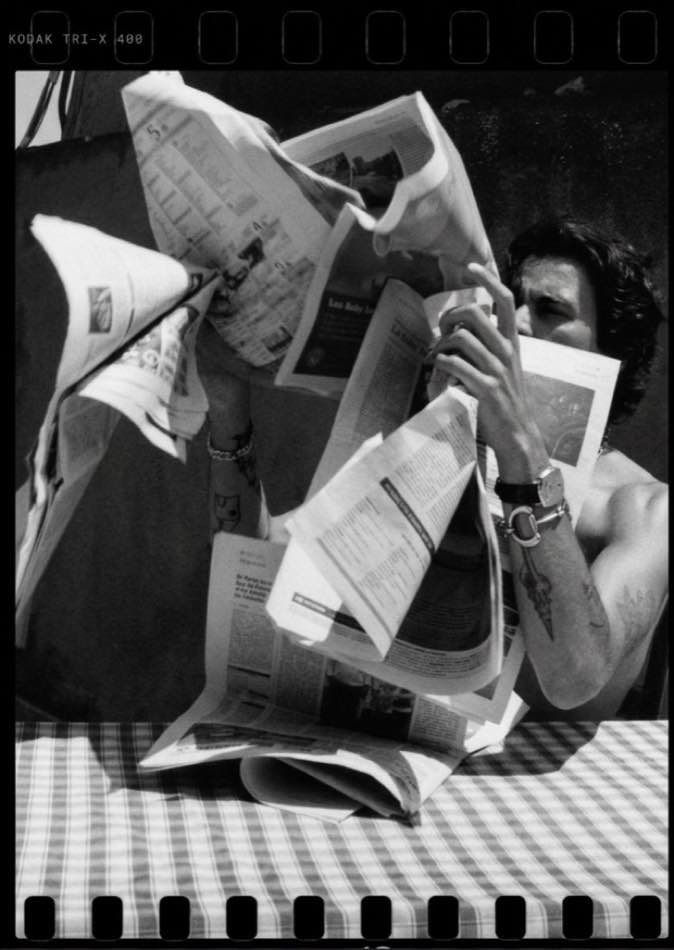
    Any photo, any look. Pinterest grab, screenshot, your favourite frame from a film. Drop in whatever caught your eye.
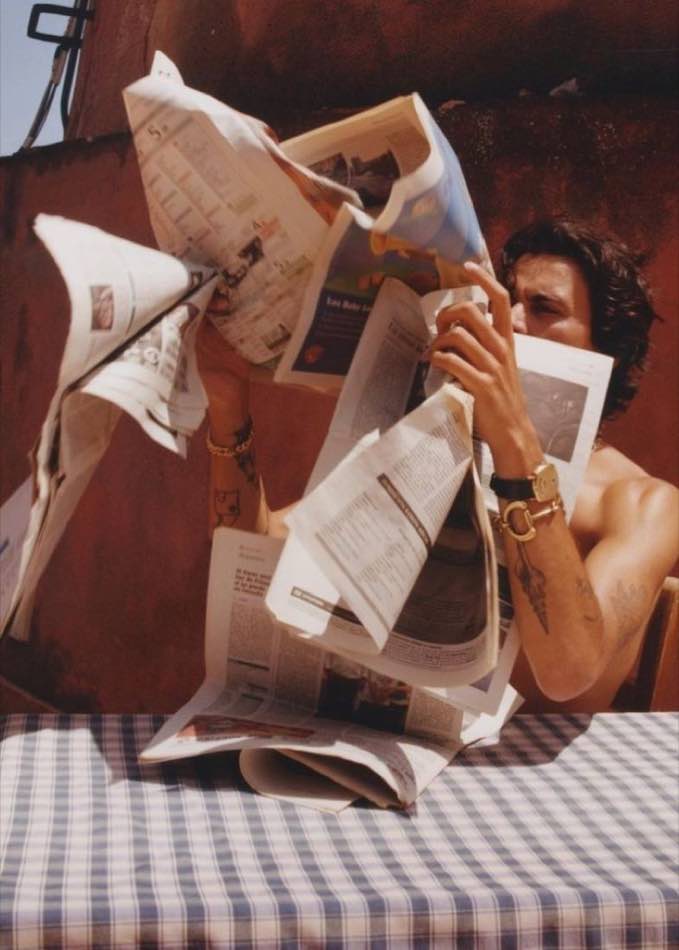
    02

    Match

    READ · APPLY
    Matching
    70%

    The engine reads light, palette, grain, and frame from the reference and applies them to your photo. About a minute, end to end.

    03

    Identity

    LOCK
    Identity lock
    Subject preserved✓ Frame 1 / ∞

    Your subject stays exactly yours. Face geometry, skin tone, and identity stay preserved frame by frame while everything else shifts.

    The engine

    Match the vibe. Keep the identity.

    Precision control

    Cinematic control, without complexity.

    Layer, blend, and fine-tune every part of the look while keeping your subject exactly the same.

    • Non-destructive editing
    • Real film characteristics
    • Grain, halation, and bloom
    • Preserve identity, always
    Explore all features
    Original
    Matched
    Layers
    Recipe Blend72%
    Presets
    Preset 1
    Preset 2
    Preset 3
    Preset 4
    Community

    Used by creators everywhere.

    #MadeWithDOV

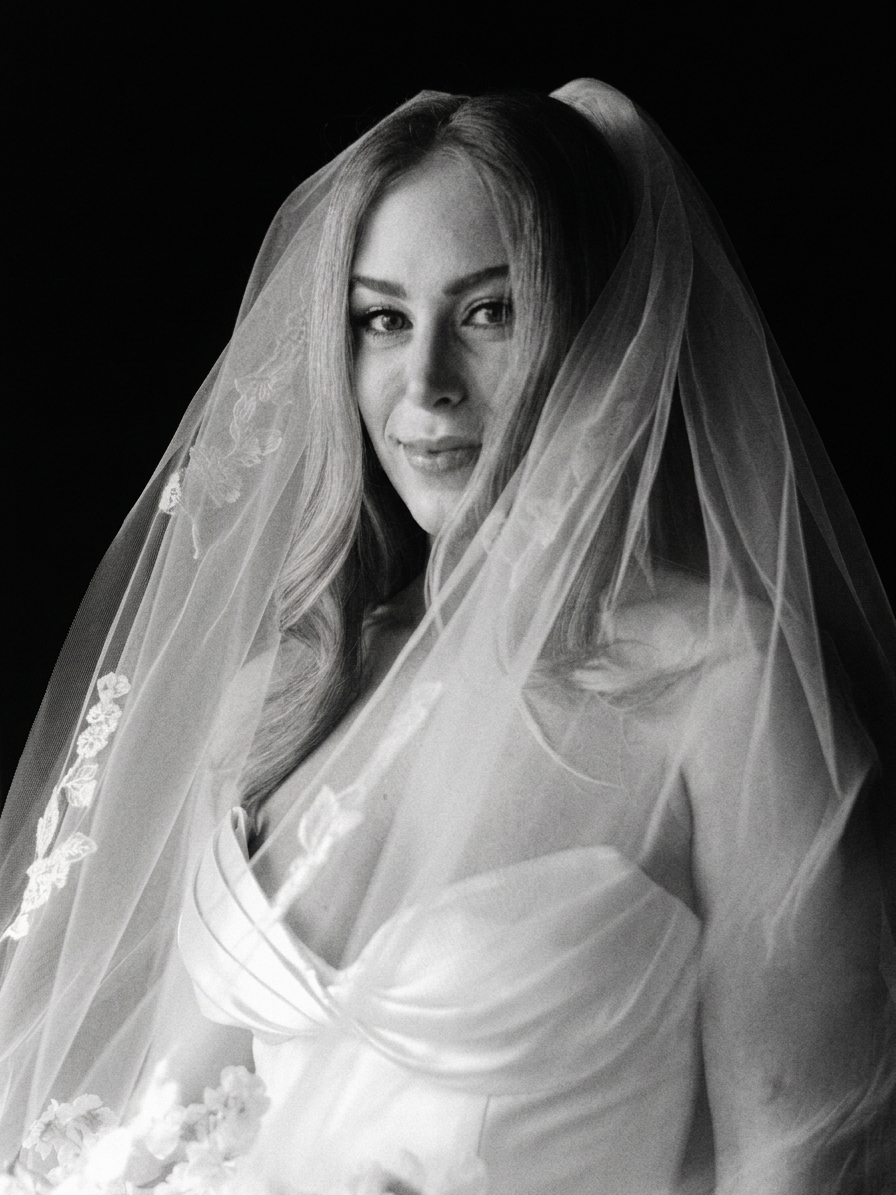
    Editorial mono portrait with veil
    @sarah.lensworks
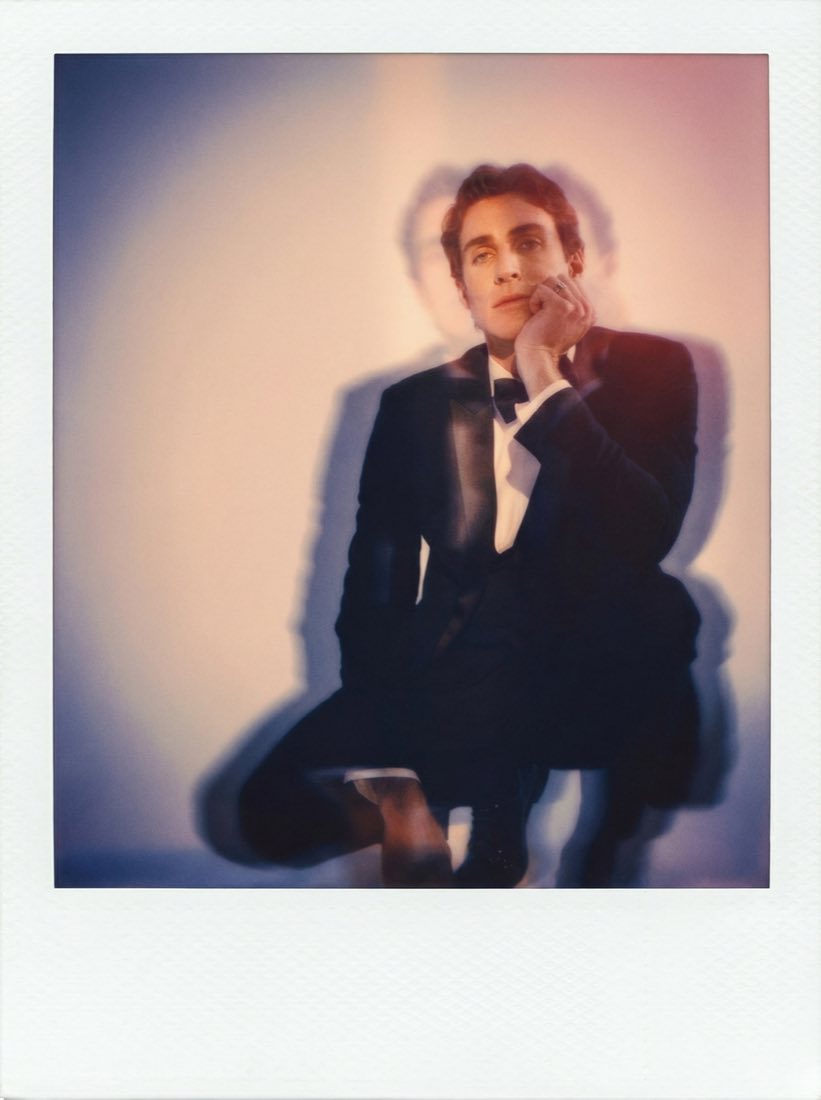
    Polaroid-style portrait of groom
    @ryan_films
    Editorial mono portrait with veil
    @studio_pod
    Wedding dance in motion
    @abby.codes
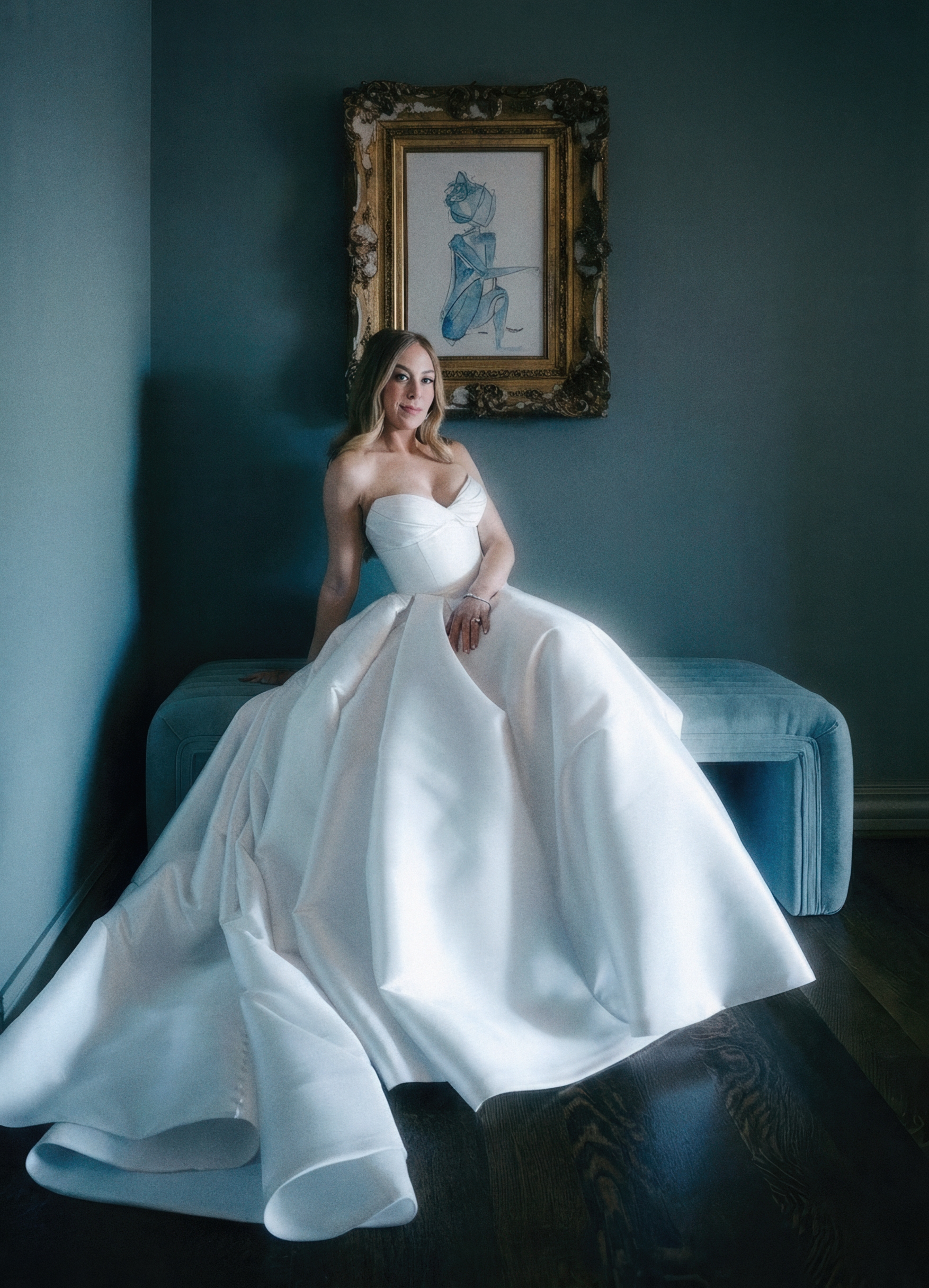
    Heritage blue interior portrait
    @rb_color
    Bride walking on a forest path
    @hayden.shoots
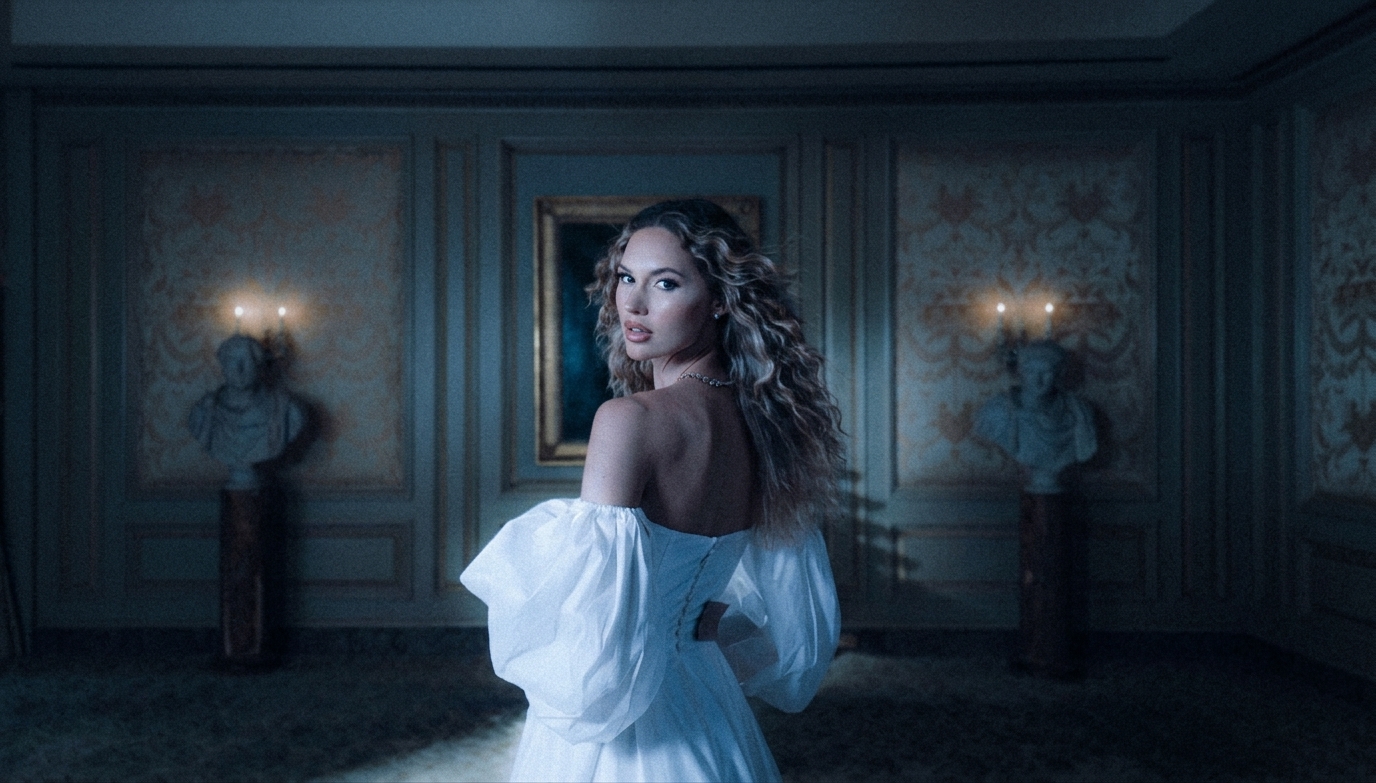
    Baroque cinema candlelight scene
    @creator_ash
    Neon-night portrait
    @milo.frames
    Sculpted mono portrait, side light
    @noor.studio
    Church doors with golden hour light
    @casey.matchbook
    Garden mono documentary portrait
    @tessa.lab
    Bride behind curtain, film tones
    @jonas.film
    Editorial mono portrait with veil
    @sarah.lensworks
    Polaroid-style portrait of groom
    @ryan_films
    Editorial mono portrait with veil
    @studio_pod
    Wedding dance in motion
    @abby.codes
    Heritage blue interior portrait
    @rb_color
    Bride walking on a forest path
    @hayden.shoots
    Baroque cinema candlelight scene
    @creator_ash
    Neon-night portrait
    @milo.frames
    Sculpted mono portrait, side light
    @noor.studio
    Church doors with golden hour light
    @casey.matchbook
    Garden mono documentary portrait
    @tessa.lab
    Bride behind curtain, film tones
    @jonas.film

    Questions, answered.

    • A visual taste engine. You point it at any reference photo, saved look, or film stock, and it reads the recipe: light, palette, grain, frame. Then it develops your photo with that same visual language while your subject stays exactly yours.

    • No. Identity lock is the engine's core promise. Face geometry, skin tone, and identifying features stay preserved frame by frame. The engine only touches light, color, grain, and frame. The person in your photo stays the same person.

    • Most matches complete in under 60 seconds. Larger or higher-resolution batches take longer; you'll see a real-time status readout while the engine works.

    • Yes. Drop in a film still, a Pinterest grab, a screenshot, or your favourite frame from a film. The engine reads what's there, turns it into a recipe, and lets you apply it across one frame or a full shoot.

    • The live lab currently ships with Super 8 Core, Cinestill 800T, and Holga Plastic Lens. More stocks, including instant film, portrait film, slide film, and cinema profiles, are being curated into the catalog. You can also bring your own reference and the engine builds the recipe on the fly.

    • Free to try with a generous monthly allowance. Paid plans (Creator, Pro, Studio) unlock higher resolution, batch processing, priority queue, and commercial-use rights. See the pricing page for the full grid.

    • Yes, on Creator and above. Wedding photographers, brand teams, retouchers, and agencies all use Dept of Vibe in production work. The engine output is yours.

    • The reference is consumed. Its look is read, not its content. The engine doesn't copy the reference image; it learns the recipe and applies it to your photo. That said, treat references the way you'd treat any inspiration: cite when appropriate.

    What will you create today?

    For teams and studios. Early access.