Three steps from reference to finished look.
Drop, read, match. The engine turns a reference into a controlled recipe while your subject stays protected.
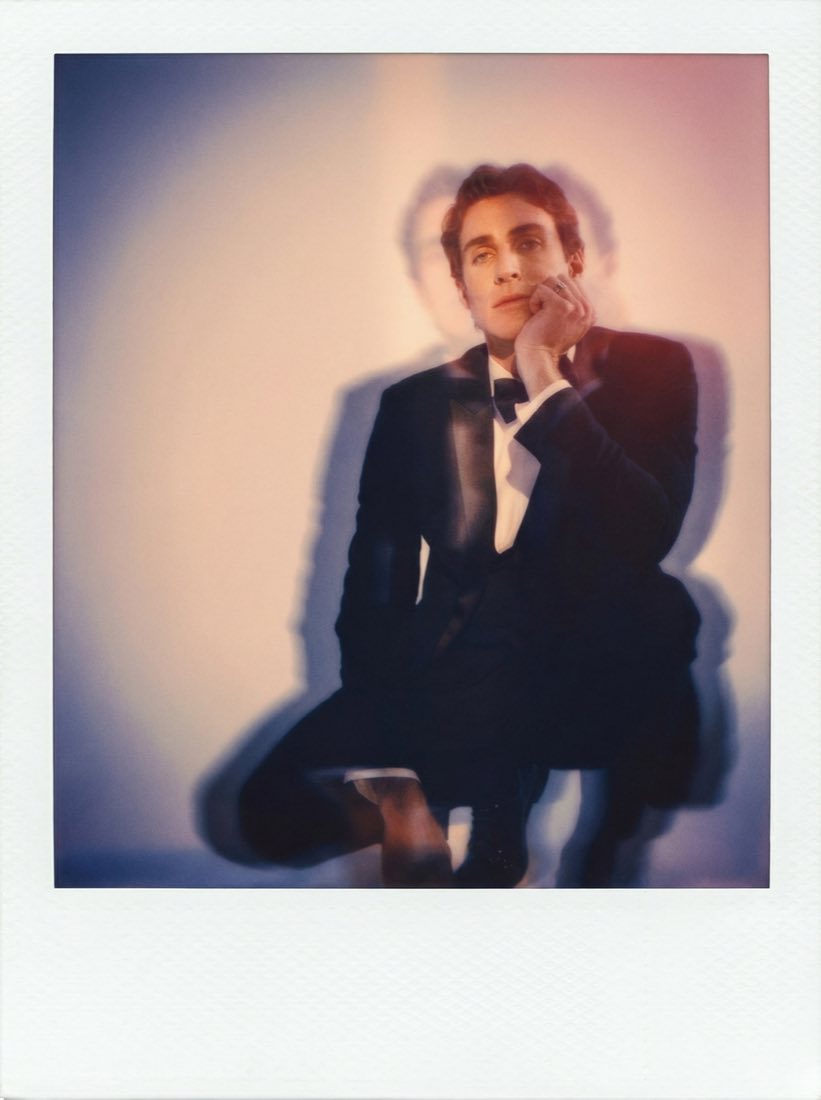
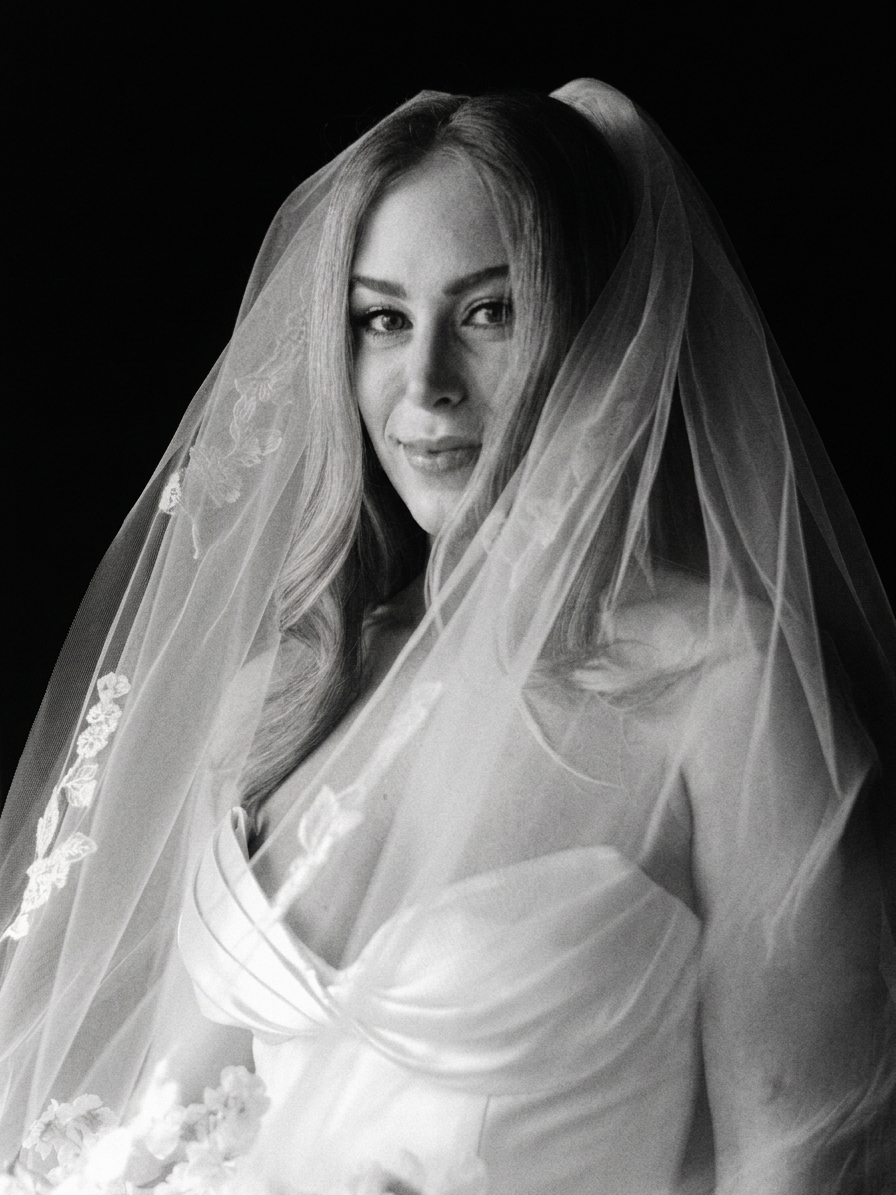
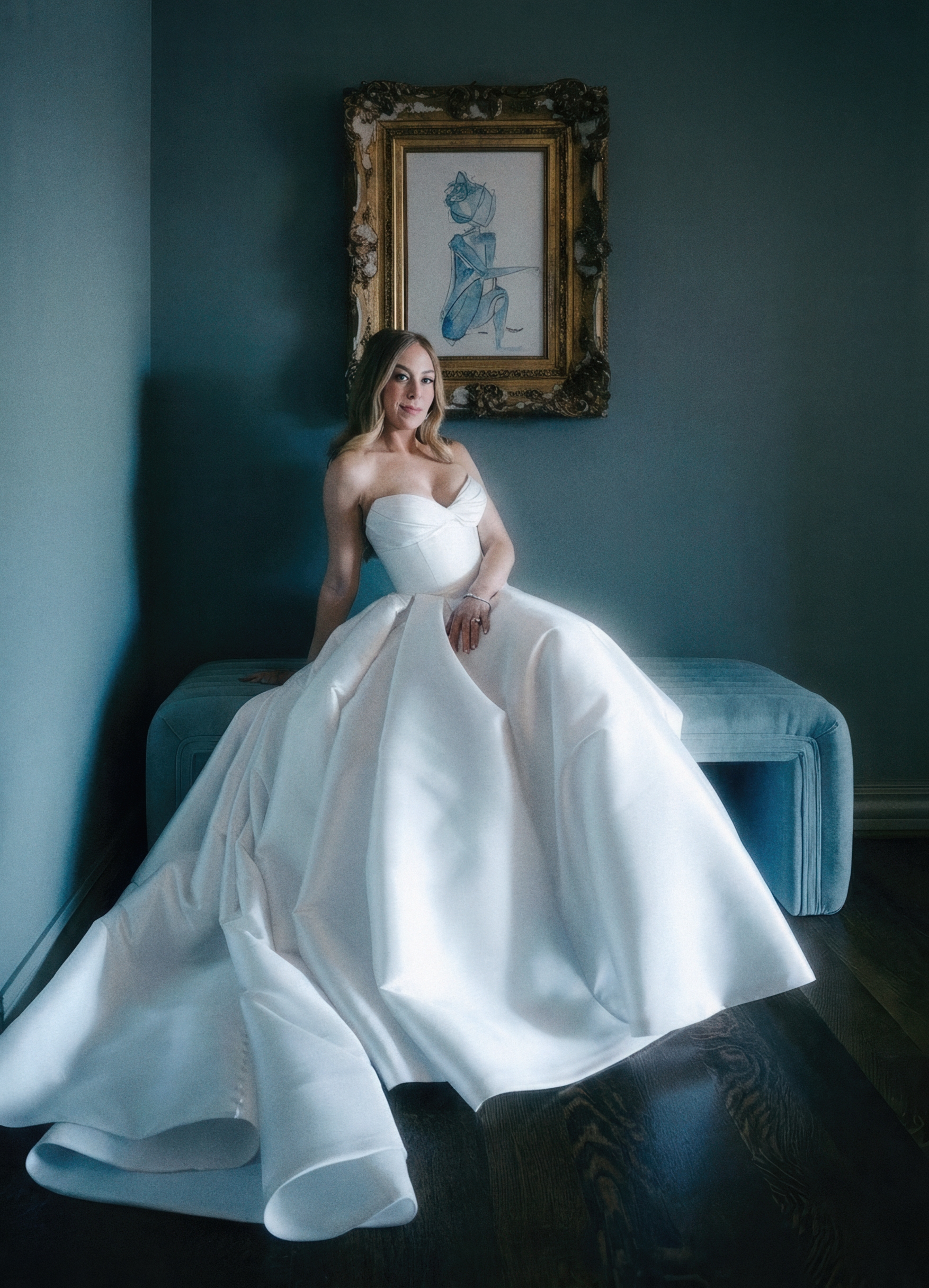
Not a filter. A proprietary formula.
The engine does not slap a preset on top. It reads the reference, builds a look recipe, and resolves that recipe against Identity Lock.
Your subject stays the same.
Faces, poses, expression, body geometry, and composition are preserved. Built for portraits, weddings, campaigns, and any client work where recognizability matters.
Every reference becomes a recipe.
Color, light, contrast, grain, skin bias, lens feel, border behavior, and frame treatment are read as separate ingredients rather than one flat filter.
Plain language becomes direction.
Tell the lab what to pull, protect, or avoid. Lab Notes are translated into controlled recipe instructions before the engine runs.
This is not improv.
The engine is designed to respect your photo. It does not add random objects, rewrite the subject, or recompose your frame when the task is look transfer.
Look transfer with a protected subject.
Most image tools behave like imagination engines. Department of Vibe behaves like a lab. The reference is analyzed as a recipe, the subject is treated as protected material, and the output is judged by whether both stayed true.
The subject is the constant.
Identity Lock is the spine of the system. It protects the face, pose, body shape, expression, wardrobe structure, and composition before the look transfer is applied. The engine is allowed to change the visual treatment, not who or what the image is about.
Reference decomposition
Reads palette, contrast, lighting, grain, texture, skin response, lens feel, and frame behavior as separate visual ingredients.
Subject protection
Locks identity critical structure so the person, product, room, or scene keeps its geometry and visual truth.
Controlled translation
Applies the recipe as weighted instructions instead of a single preset, which makes the result easier to refine.
Reusable taste
Saved Looks preserve the recipe, references, blend strength, and layer choices so a studio can repeat the same finish.
Made for the people who care about the look.
Use it as a look finishing system for real photo work, not as a novelty generator.
Use it as a finishing pass.
Edit as usual, export finals, then use Department of Vibe for alternate galleries, editorial treatments, portfolio sets, and client specific looks.
- ·Deliver a look matched gallery without reshooting.
- ·Built for weddings, portraits, families, and editorial.
Make one look your signature.
Pick a reference or film stock as your channel look and run your best posts through it before publishing so the feed stays cohesive.
- ·Consistent visuals across campaigns.
- ·A recognizable look instead of generic filters.
One look across a campaign.
Save an approved look and apply it across hero images, campaign frames, regional variants, and social crops while talent and geometry stay intact.
- ·Unified look across every asset.
- ·Shared references, Saved Looks, and Lab Notes.
Why people keep coming back.
It reads as a real look.
Organic color, grain, lighting, and framing. It should feel like the reference guided the image, not like an app placed a filter over it.
Built for real subjects.
Geometry and faces stay locked, which matters for client work, campaigns, portraits, wedding galleries, and brand shoots.
Taste you can reuse.
Save a reference set as a recipe, bring it back later, adjust strength, and keep a studio look consistent across a whole body of work.
Built for real work.
“I've shot real film for years. This is the closest digital thing I've used.”
“My feed finally looks like my mood boards.”
“We rolled out one look across an entire campaign with no reshoots.”
Questions, answered.
Match your first look.
Drop in a photo you care about and a reference you love. Your subject stays the same. The proprietary formula translates the look.