This is a Guide. Relighting a portrait is less about sliders and more about a decision: where do you want the light to come from? Once you answer that, the rest is matching. Here is the practical version.
1. Choose the light you want
Do not start by describing light in adjectives ("make it moody"). Start with a reference: an image whose light you would kill for. A golden-hour window, a hard single-key studio shot, soft north light. The reference is your target, and matching a real example beats guessing every time. (More on the concept in What Is Reference Relighting?.)
2. Read how the light falls
Before you apply anything, read the reference like a photographer:
- Direction. Where is the key coming from, left, right, above, behind? This is the single most important variable.
- Softness. Hard light (sharp shadow edges, a window blind) or soft (wrapping, gentle falloff, an overcast sky)?
- Color. Warm tungsten or golden hour, neutral daylight, cool shade.
- Ratio. How deep is the shadow side compared to the lit side? That sets the drama.
3. Rebuild it on the face
Relighting reconstructs that light on your portrait: the key moves to the chosen direction, the shadow side falls off, the catchlights shift, and the color of the light changes the skin. The test of a good relight is consistency: the catchlight in the eye, the shadow under the nose, and the falloff across the cheek must all agree on one light source. When they agree, it reads real. When they fight, it reads fake.
4. Keep the subject locked
This is the rule that separates relighting from a re-render. The light changes; the person does not. Face, pose, expression, and composition stay exactly as shot. Identity-lock is the whole point of Department of Vibe, so a relit portrait is unmistakably the same person, just lit better.
Common moves
- Flat to golden hour. The most popular: take dull, even light and give it a warm directional key.
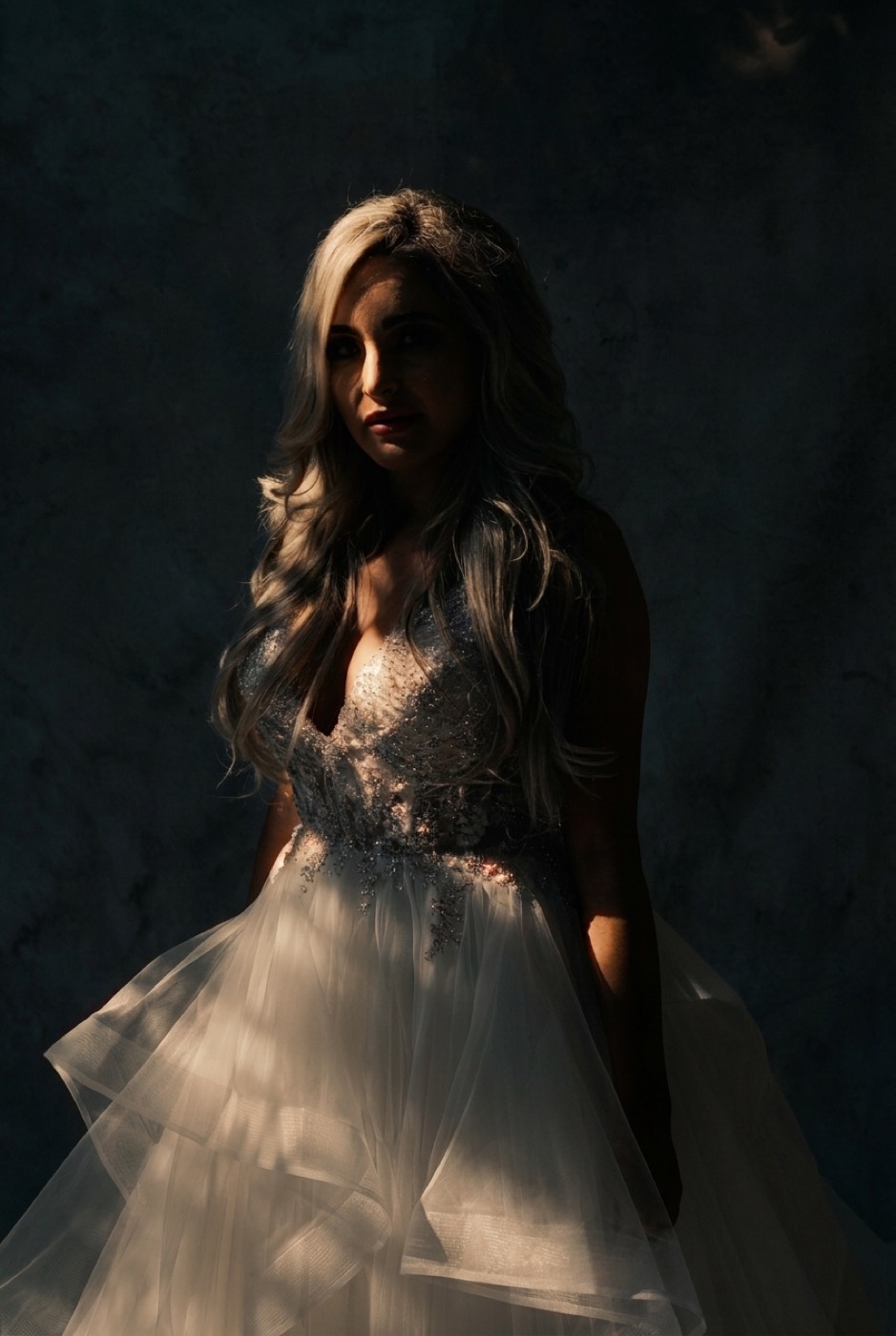
- Daylight to dramatic. Pull the light to one side, deepen the shadow, drop the mood.
- Harsh to soft. Trade a hard on-camera-flash look for wrapping window light.
Do it
Pick a reference, match the light, keep the face. Start on the relighting page, or drop your portrait into Look Match and relight it to any reference you like.